
10 Pros and Cons of Using QuickBooks for Your Small Business
QuickBooks has become one of the most popular accounting programs for small businesses, and for good reason. It makes it easier to keep track of income, expenses, invoices, and financial reports without having to spend hours working through spreadsheets. However, just because QuickBooks is widely used doesn’t necessarily mean it’s the right choice for every business. There are some real advantages to using the software, along with a few disadvantages that business owners should consider before making the investment.
1. One of the biggest advantages of QuickBooks is how much time it can save. Instead of manually entering every transaction, business owners can connect their bank accounts and credit cards to automatically import financial activity. This makes bookkeeping much easier, especially for businesses that process dozens or even hundreds of transactions each month. The downside is that automatic imports don’t always categorize transactions correctly. If nobody is reviewing the information regularly, mistakes can accumulate and create problems when it’s time to prepare financial statements or file taxes.
2. Another benefit is the ability to create and send professional invoices directly through the software. Business owners can track which customers have paid, which invoices are overdue, and how much money is still outstanding. QuickBooks also offers online payment options, making it more convenient for customers to pay their bills. However, payment processing comes with additional fees, and those costs can add up for businesses handling a large volume of credit card transactions.
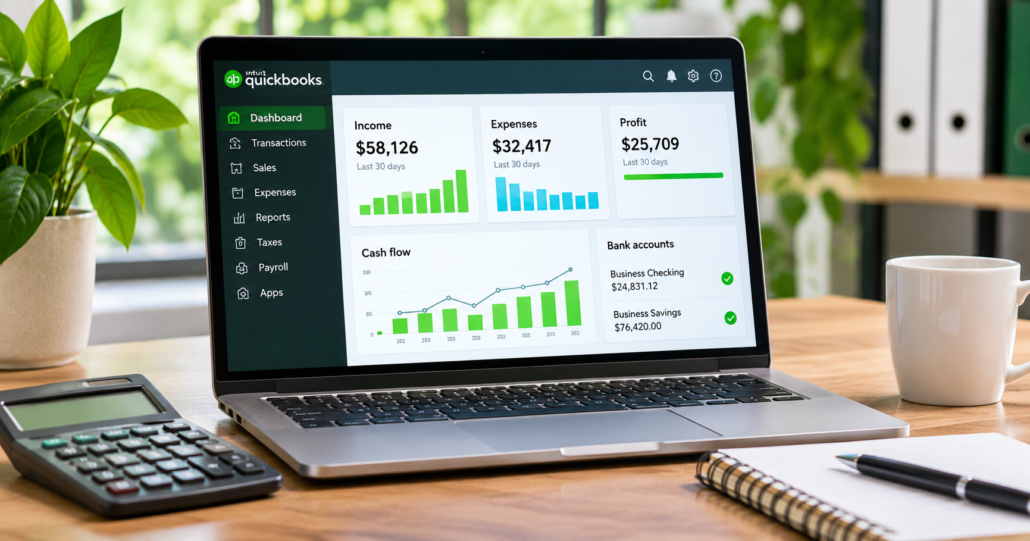
3. QuickBooks also does a good job of organizing financial information in one place. Rather than switching between multiple programs, business owners can review their income, expenses, outstanding invoices, and bank balances from a single dashboard. Having this information readily available can make everyday financial decisions easier. Unfortunately, the software can become confusing as more features are introduced. Someone who only needs basic bookkeeping may find themselves navigating menus and options they rarely use.
4. One of the more useful features of QuickBooks is its financial reporting. Business owners can generate profit and loss statements, balance sheets, and cash flow reports without having to prepare everything manually. These reports can be especially helpful when applying for financing, reviewing business performance, or meeting with an accountant. The disadvantage is that the reports are only as accurate as the information entered into the system. Incorrectly categorized expenses, duplicate transactions, or unreconciled accounts can produce misleading financial results.
5. Another advantage is that QuickBooks can grow with a business. A company might start with basic invoicing and expense tracking, then add payroll, inventory management, or other features as its needs change. This flexibility can be valuable for growing businesses that don’t want to change accounting software every few years. The drawback is that many of these additional features require more expensive subscriptions or separate services. What initially seems like an affordable bookkeeping solution can become a significant monthly expense.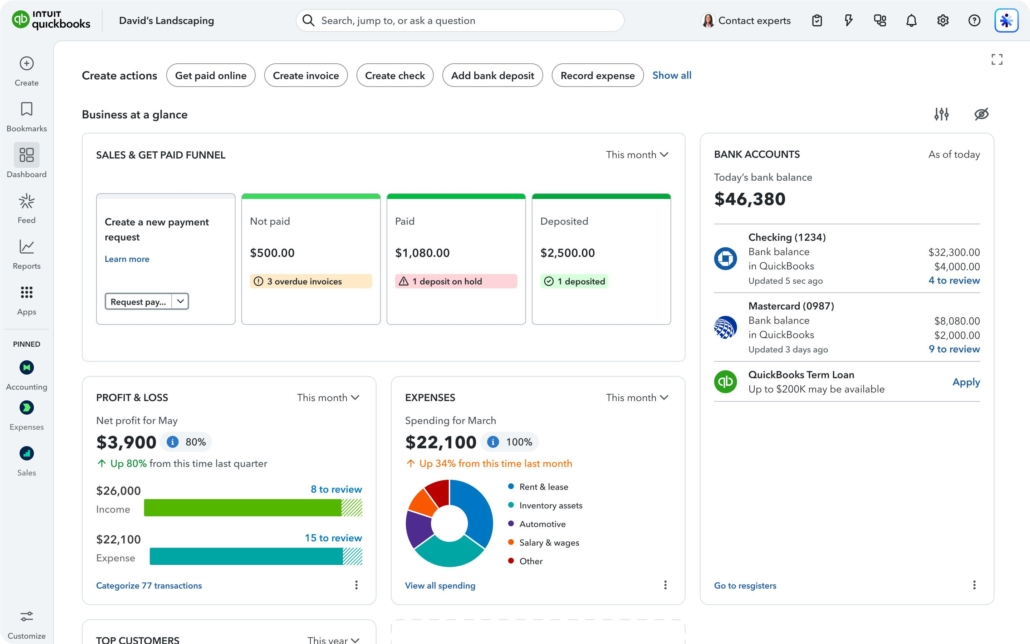
6. QuickBooks Online also allows business owners to access their financial information from different locations. Whether someone is working from home, traveling, or meeting with their accountant, they can review their books without being tied to one office computer. This is particularly convenient for businesses with remote employees or multiple locations. On the other hand, relying on cloud-based software means depending on a reliable internet connection and the availability of the service. If there’s an outage or connection problem, accessing important financial information may become difficult.
7. One of the reasons accountants frequently recommend QuickBooks is that it makes collaboration easier. Business owners can give their accountant or bookkeeper access to review transactions, make adjustments, and prepare financial reports. This can reduce the amount of paperwork exchanged throughout the year and make tax preparation more efficient. However, granting access to financial information also requires careful management of user permissions. Businesses need to know who has access to their records and remove that access when it is no longer needed.
8. QuickBooks can also help business owners stay organized when tax season arrives. Having income and expenses recorded throughout the year makes it easier to identify deductible business expenses and provide financial information to a tax professional. Instead of sorting through a year’s worth of receipts and bank statements, much of the necessary information may already be available. The disadvantage is that QuickBooks doesn’t replace professional tax advice. The software cannot determine whether every expense is legally deductible or whether a business is taking advantage of the tax strategies available to it.
9. Another benefit is the number of third-party applications that work with QuickBooks. Businesses can connect certain e-commerce platforms, payment processors, time-tracking systems, and other software to reduce duplicate data entry. These integrations can make accounting more efficient and help keep financial records current. However, not every integration works perfectly. Some require additional subscriptions, and others may create duplicate transactions or synchronization problems that need to be corrected manually.
10. Finally, QuickBooks provides business owners with a better understanding of where their money is going. Being able to compare expenses, monitor revenue, and review financial trends can help identify problems before they become serious. A business owner might discover that operating costs are increasing or that certain customers consistently pay late. The disadvantage is that having access to financial information doesn’t automatically mean knowing how to interpret it. Without a basic understanding of accounting, it’s easy to overlook important details or make decisions based on incomplete information.
QuickBooks can be an excellent accounting solution for many small businesses, but it isn’t perfect. The convenience of automated bookkeeping, invoicing, reporting, and online access needs to be weighed against subscription costs, potential errors, and the time required to maintain accurate records.
At TaxPointe, we believe that good bookkeeping is about more than simply entering numbers into accounting software. It’s about understanding what those numbers mean and using that information to make better business decisions. Whether you use QuickBooks or another accounting system, keeping accurate financial records throughout the year is one of the best things you can do to make tax preparation easier and keep your business financially organized.
Leave a Reply
Want to join the discussion?Feel free to contribute!